Baseball Physics Lab
Change the contact. Explore the flight in 3D.
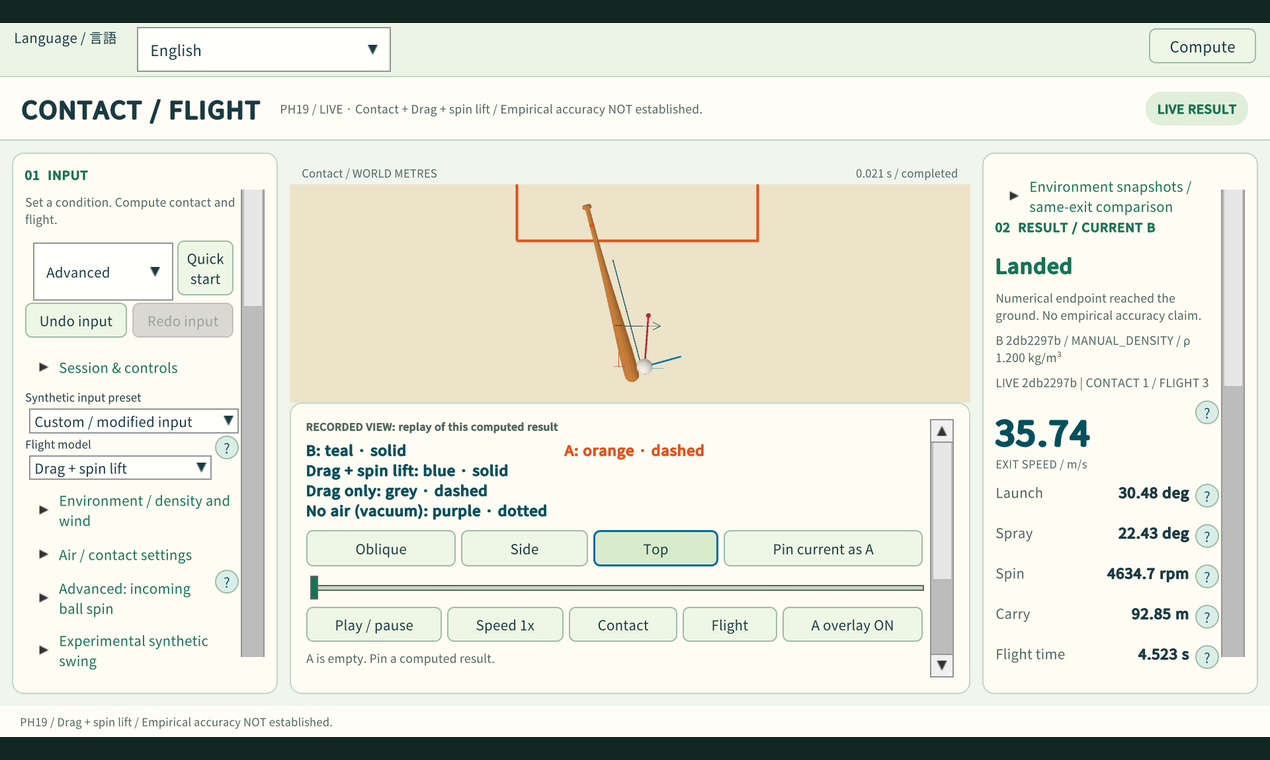
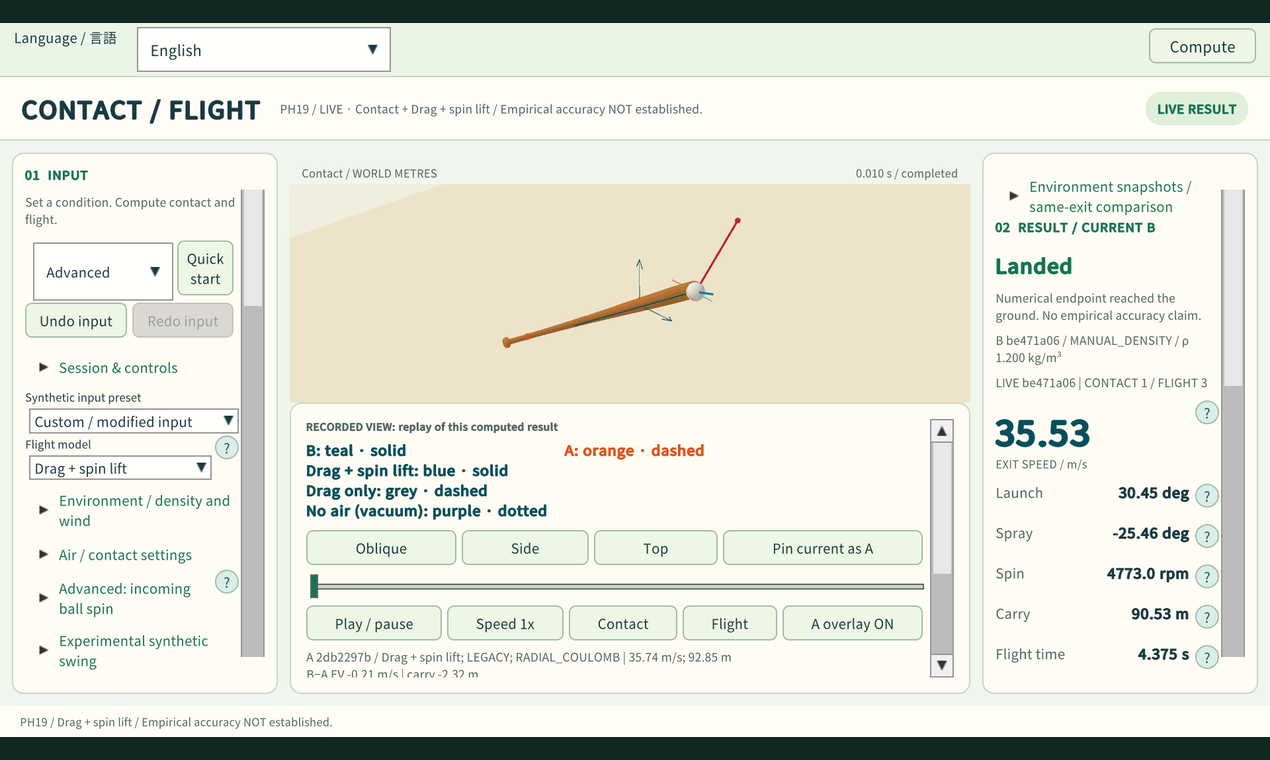
Baseball Physics Lab is an interactive 3D simulator for exploring how bat–ball contact, spin, and air conditions affect a batted ball.
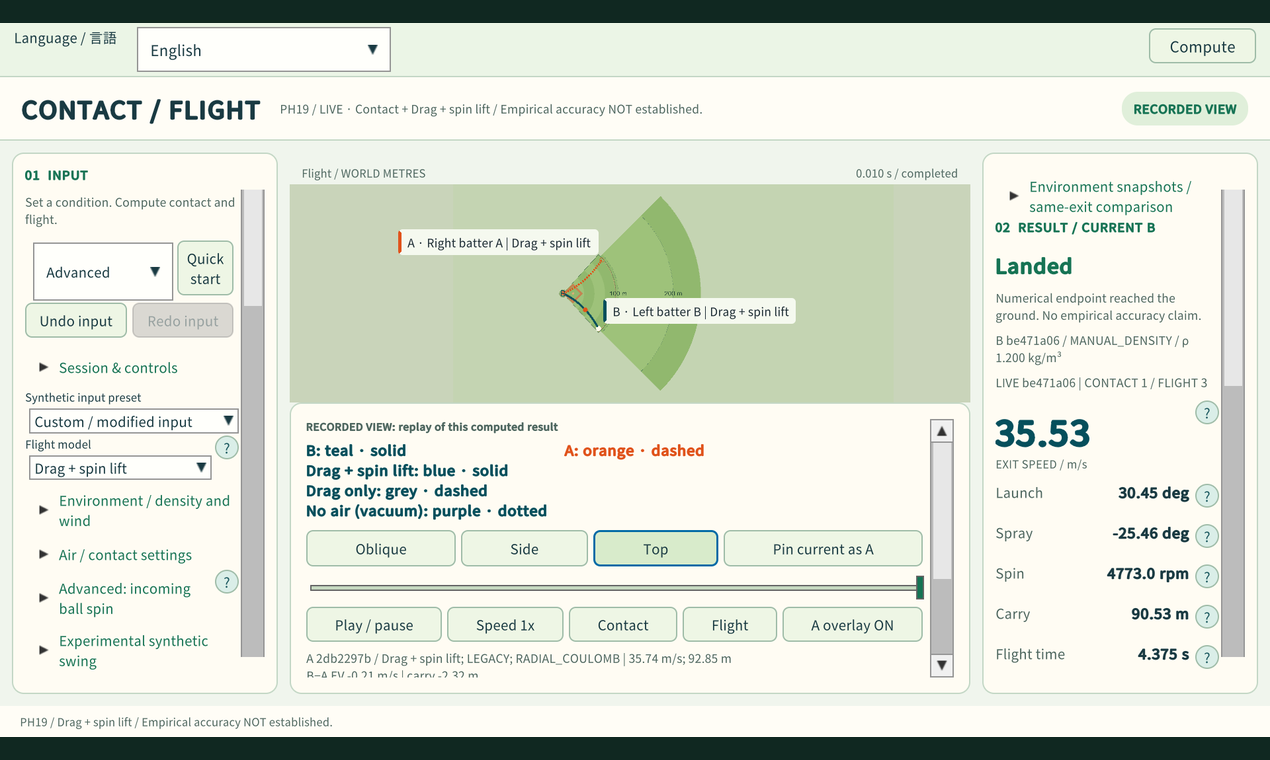
Adjust the bat’s speed, mass, angle, and impact position. Set the incoming ball’s speed and spin, calculate a new result, and compare it with a pinned reference.
EXPLORE THE PHYSICS
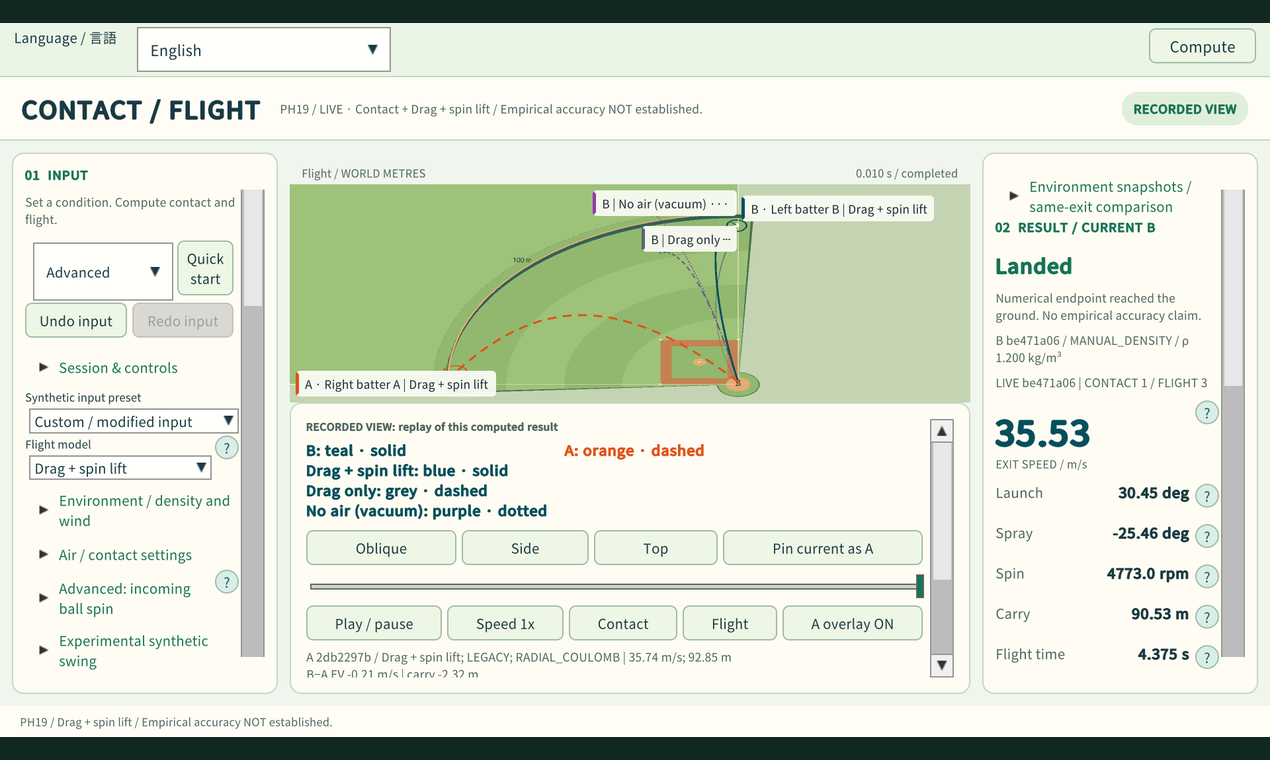
Compare flight with drag and Magnus force, drag only, or no air resistance. Change air pressure, temperature, humidity, and wind while keeping the same initial batted-ball state.
Inspect exit speed, launch angle, direction, spin components, distance, and flight time. A separate pitching view lets you explore reference pitch presets and customize release position, speed, and spin.
MAKE IT YOUR OWN
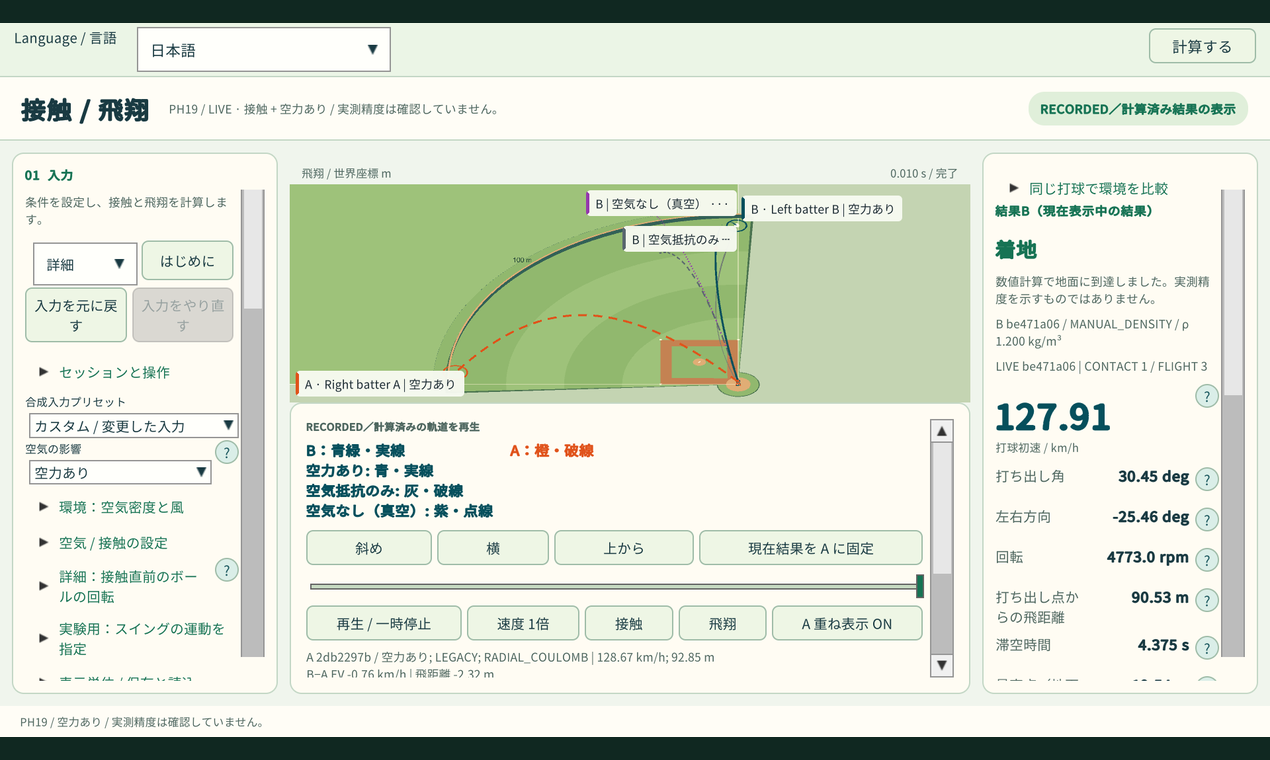
Switch between metric and US customary units. The interface supports English, Japanese, Spanish, Korean, Dutch, Simplified Chinese, and Traditional Chinese.
Save your results, reload experiments, and capture comparison images.
GET STARTED
Launch the browser version on a desktop computer, choose a preset, and press Compute. Pin the result as A, change one setting, and calculate B to compare.
A Windows download is also available. Extract the entire ZIP and keep the included files together.
MODEL LIMITS
This is an experimental physics laboratory, not a prediction tool validated against real-world batting outcomes. Results are estimates from simplified models. Pitch flight and bat–ball contact are separate experiments.
Download
Install instructions
BROWSER VERSION
Use a desktop browser.
Click the launch button to open the simulator in fullscreen, and wait for the initial loading process to finish.
Choose a preset and press Compute to calculate a new result.
Select “Pin current as A” to keep a reference result. Change a setting and compute again to compare.
WINDOWS VERSION
Download the Windows ZIP and extract all files into a folder.
Open BaseballPhysicsLab.exe from the extracted folder.
Keep the executable and all included files and folders together.
Do not move the executable on its own or run it directly from inside the ZIP.
LANGUAGE AND HELP
The app starts in English. Use the Language selector at the top to change the interface language.
Choose your preferred units in the settings.
Use the “?” buttons for explanations of individual parameters.
Results are estimates from simplified physics models. See the in-app help for model limits and validation status.
Leave a comment
Log in with itch.io to leave a comment.